
Settings
Configure your workspace, manage team members, set up observability, and integrate identity providers. Settings are organized into sub-tabs for different concerns.
| Tab | Purpose | Admin Only |
|---|---|---|
| Team | Manage members, permissions, and invitations | Partial (view all, manage requires admin) |
| Workspace | API keys, storage stats, workspace info | Yes |
| OTEL & Logs | Observability endpoints, log export, retention | Yes |
| Attestations | Attestation stats and reset | Yes |
| Policy Store | Policy storage configuration | Yes |
| Policy Assistant | Configure LLM providers for AI features | Yes |
| Identity Bridge | Identity provider and claims mapping | Yes |
| About | Version info and links | No |
Team
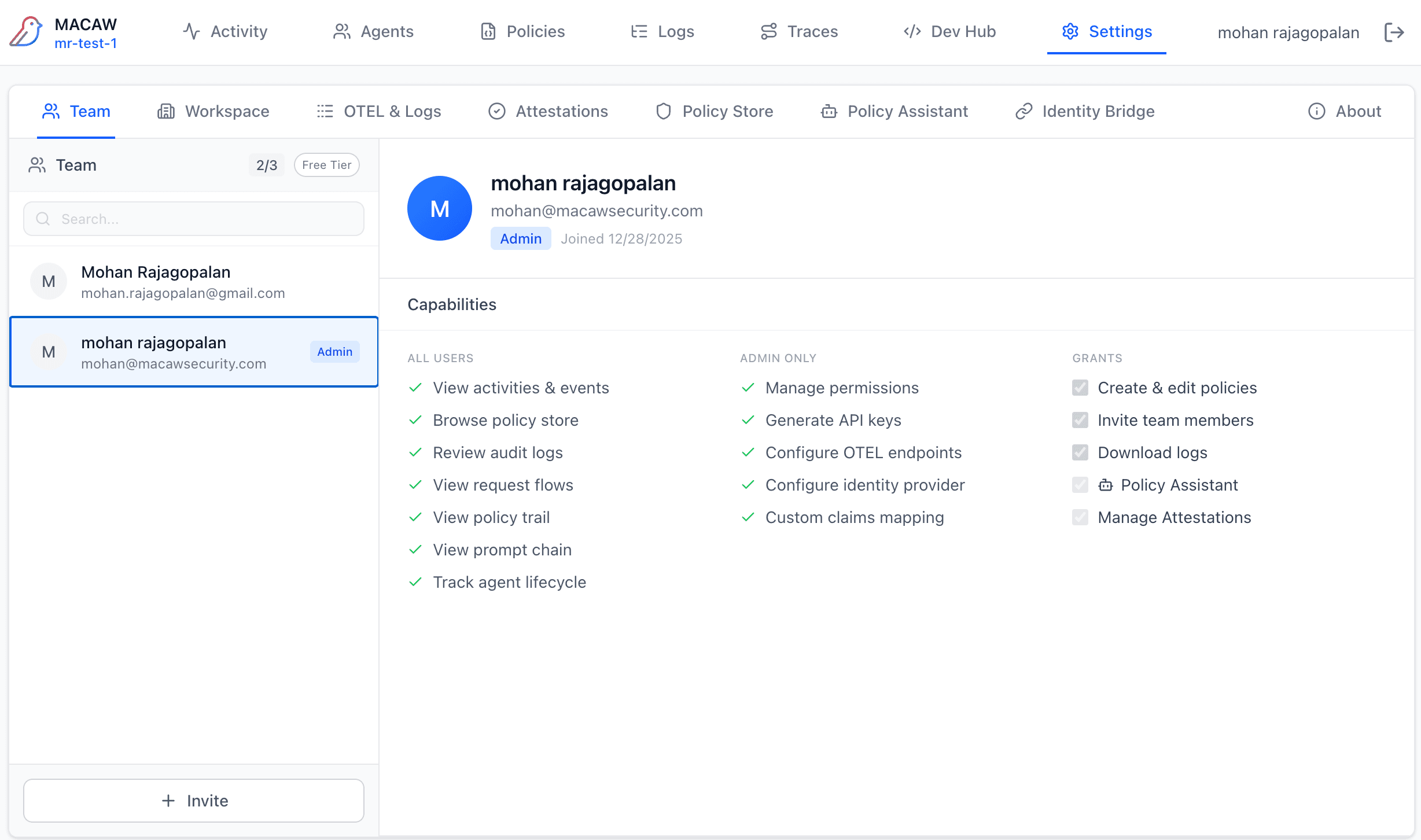
View and manage workspace members. Click a member to see their capabilities and grants.
All Users Capabilities
- • View activities & events
- • Browse policy store
- • Review audit logs
- • View request flows
- • View policy trail
- • View prompt chain
- • Track agent lifecycle
Admin Only
- • Manage permissions
- • Generate API keys
- • Configure OTEL endpoints
- • Configure identity provider
- • Custom claims mapping
Inviting Members
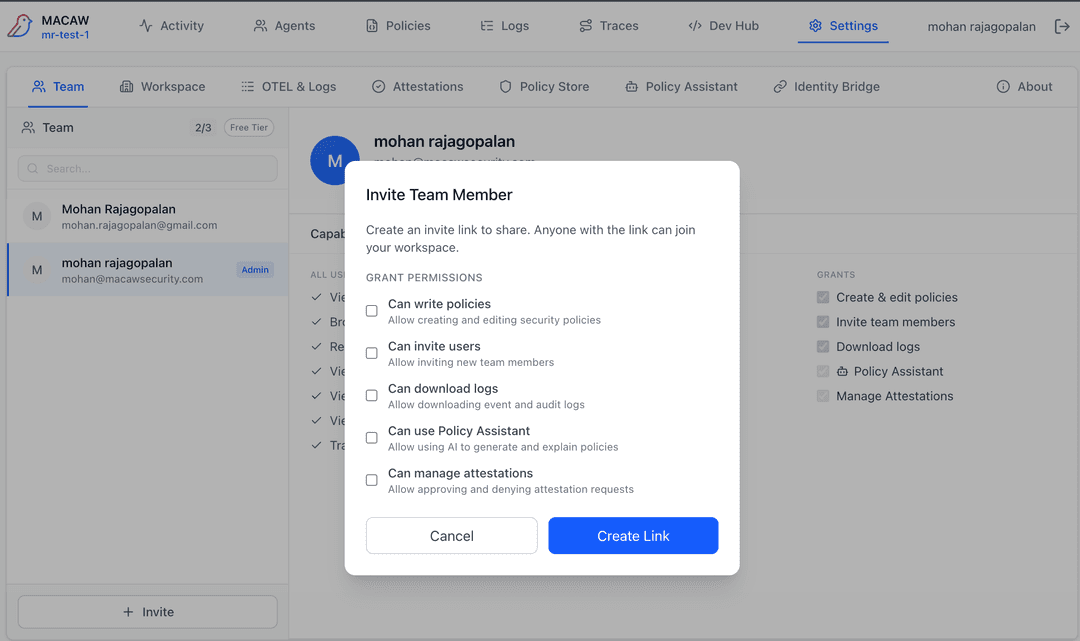
Click + Invite to generate an invitation link. Select which grants to include: Create & edit policies, Invite team members, Download logs.
Workspace
View workspace details and manage API keys.
Workspace Info
- • Workspace name and ID
- • Tier (Free, Pro, Enterprise)
- • Member and storage limits
API Keys
- • Generate new API keys
- • View existing keys (prefix only)
- • Revoke keys
- • Track last used time
OTEL & Logs
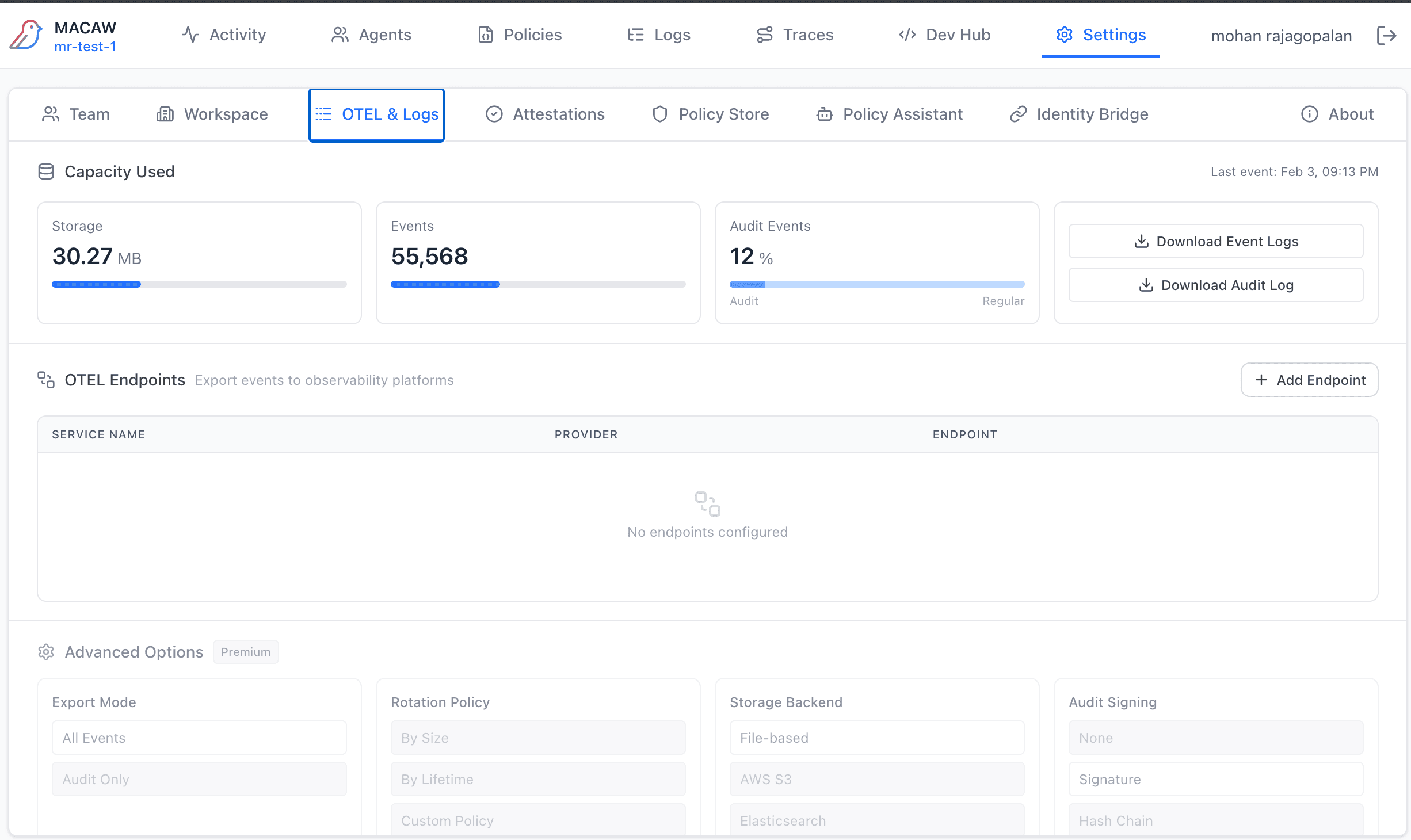
Configure observability and log management.
Capacity
- • Storage usage (MB)
- • Total events count
- • Audit vs. regular event ratio
Export
- • Download Event Logs (JSON)
- • Download Audit Log (signed)
OTEL Endpoints
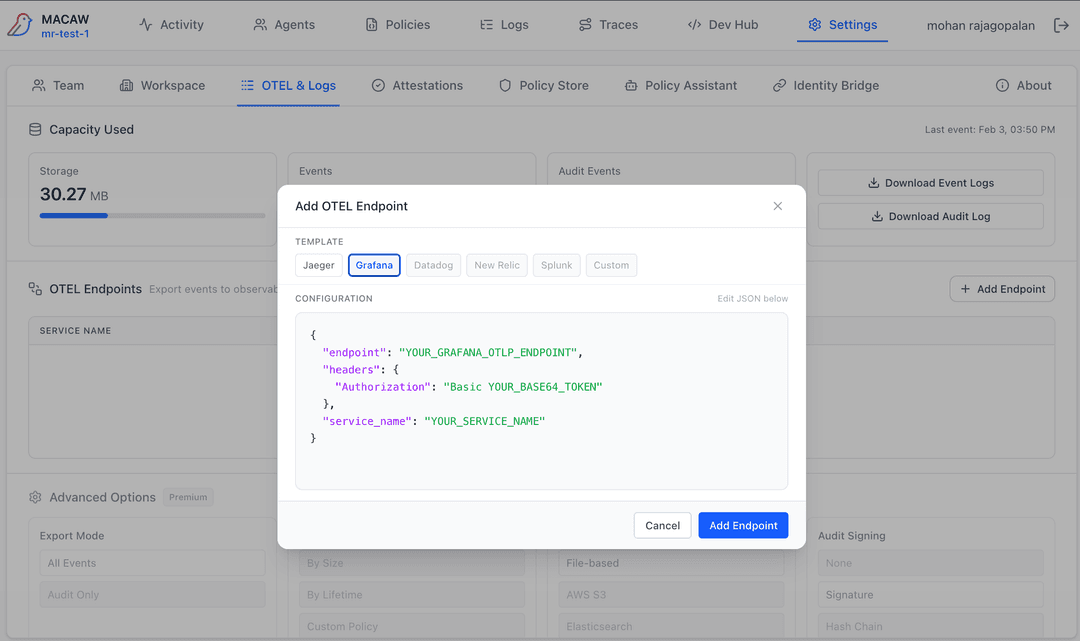
Add OpenTelemetry endpoints to export events to external observability platforms (Datadog, Grafana, etc.).
Advanced Options (Premium)
- • Export Mode — All Events or Audit Only
- • Rotation Policy — By Size, By Lifetime, Custom Policy
- • Storage Backend — File-based, AWS S3, Elasticsearch
- • Audit Signing — None, Signature, Hash Chain
Attestations
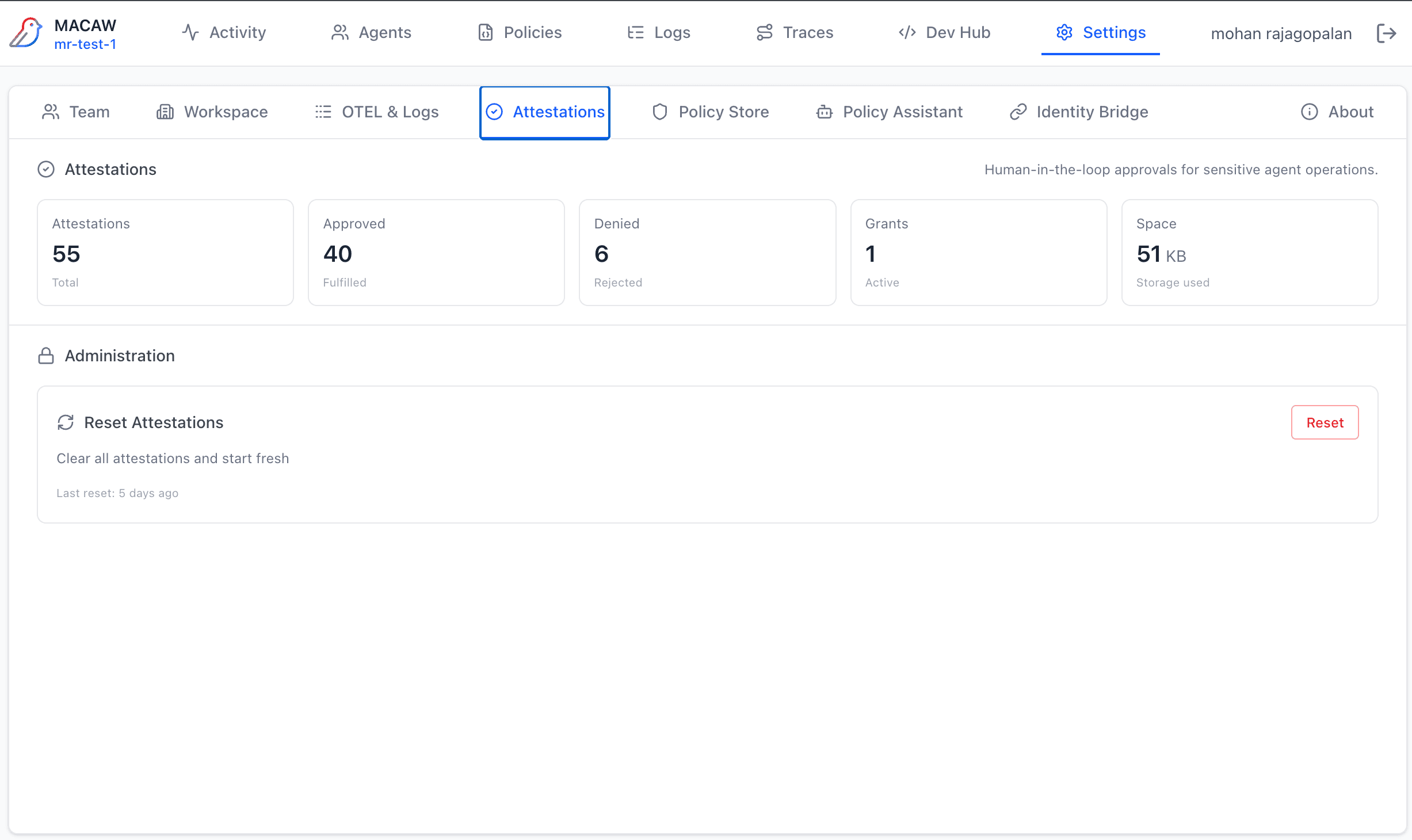
View attestation statistics and manage attestation data.
Statistics
- • Total attestations
- • Approved (fulfilled)
- • Denied (rejected)
- • Active grants
- • Storage used
Reset Attestations
Clear all attestations and start fresh. This is a destructive action—use with caution. Shows last reset timestamp.
Policy Assistant
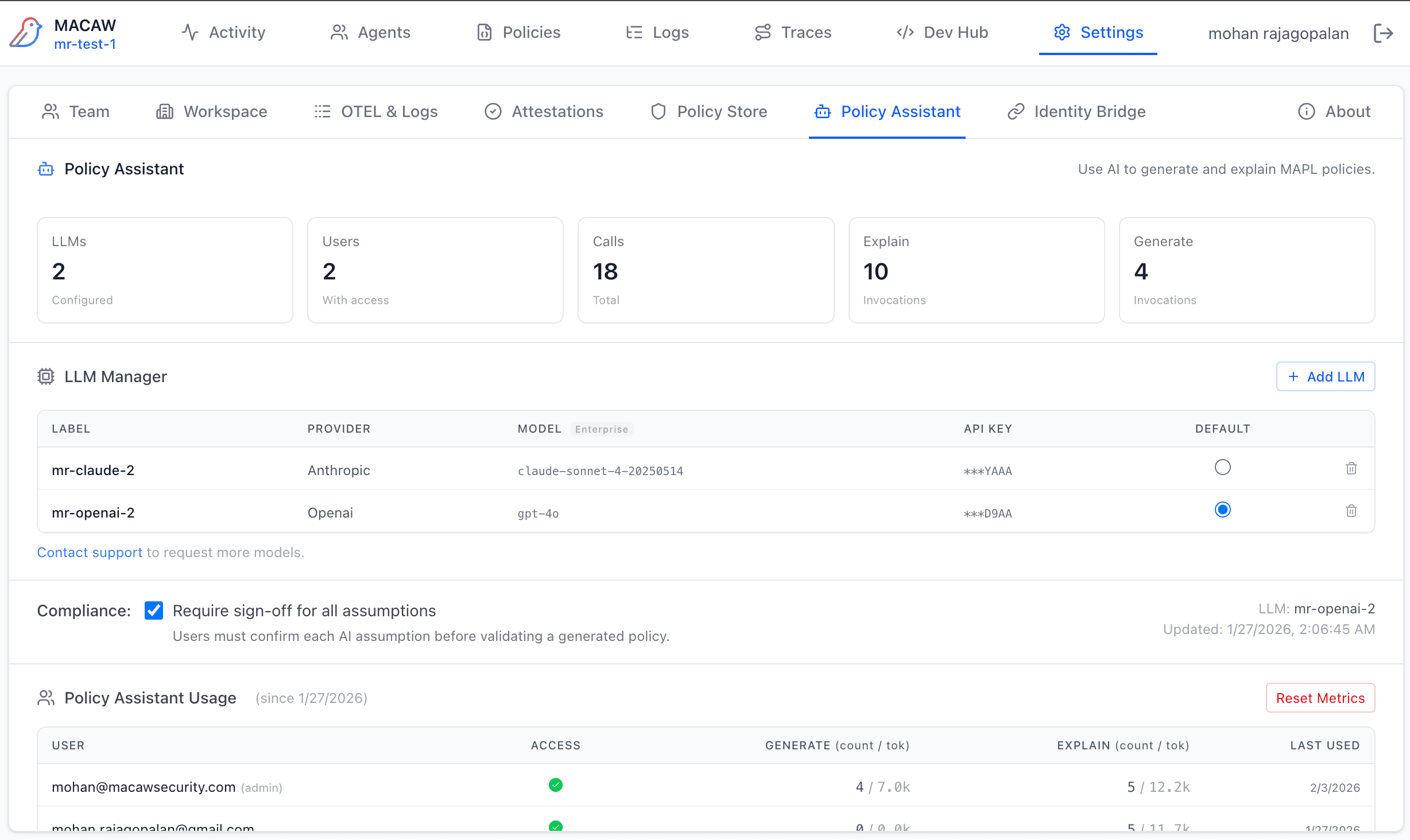
Configure LLM providers for the Policy Assistant feature.
Adding an LLM
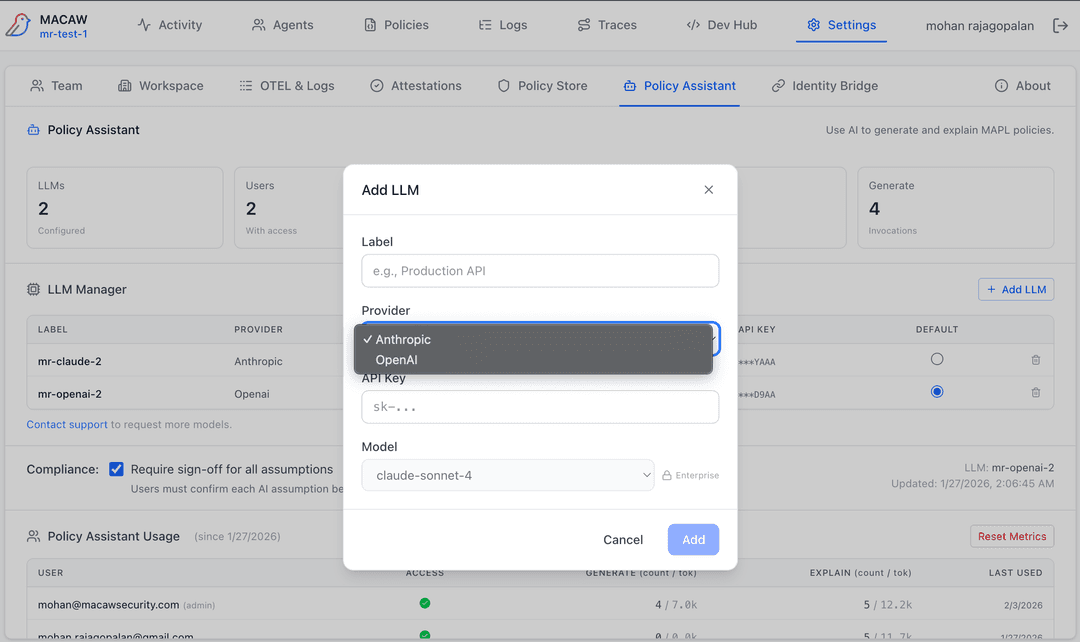
- • Provider — Anthropic or OpenAI
- • Label — Display name (e.g., "Production Claude")
- • API Key — Your provider API key
- • Set as Default — Use for generate/explain requests
Identity Bridge
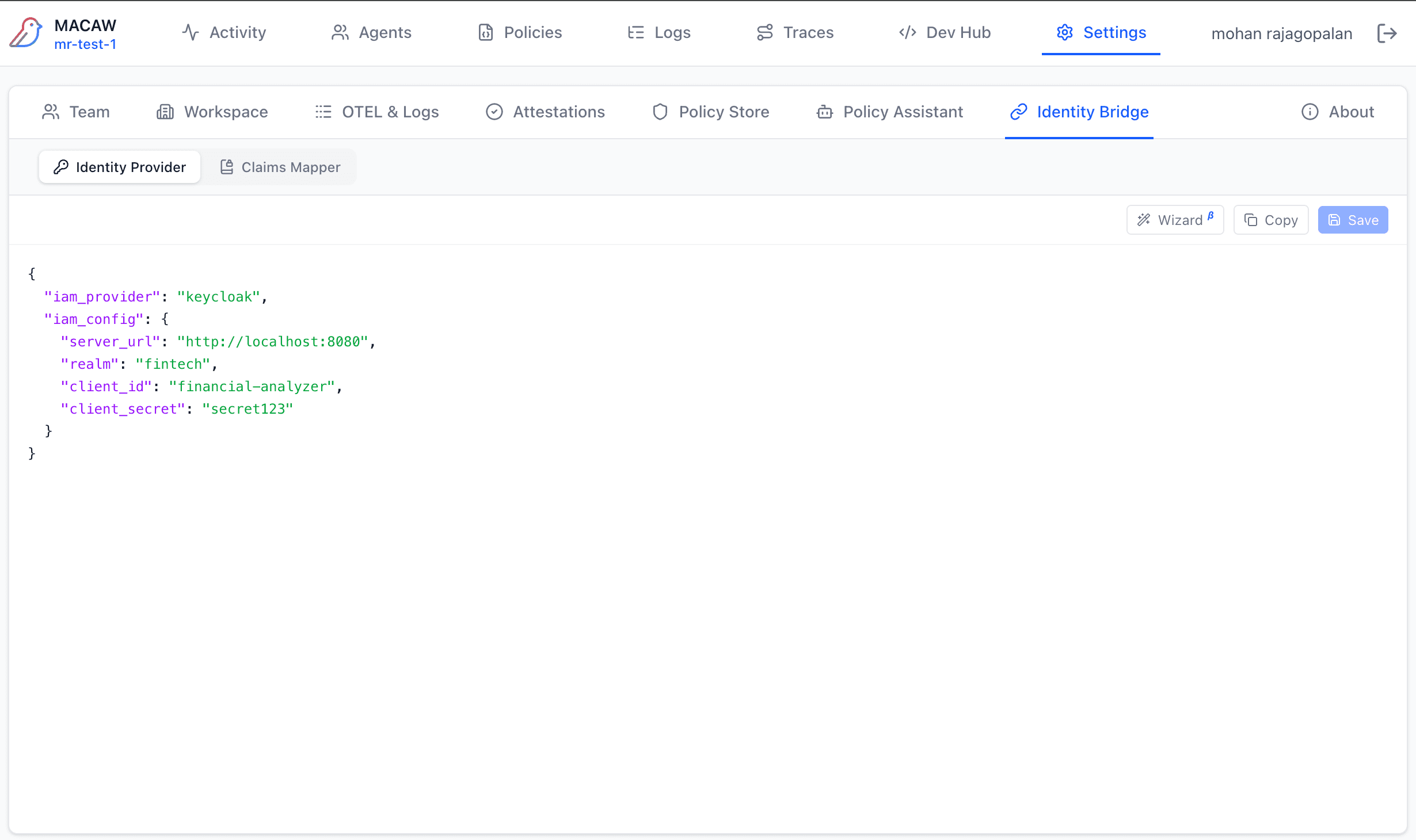
Configure your identity provider and claims mapping.
Identity Provider
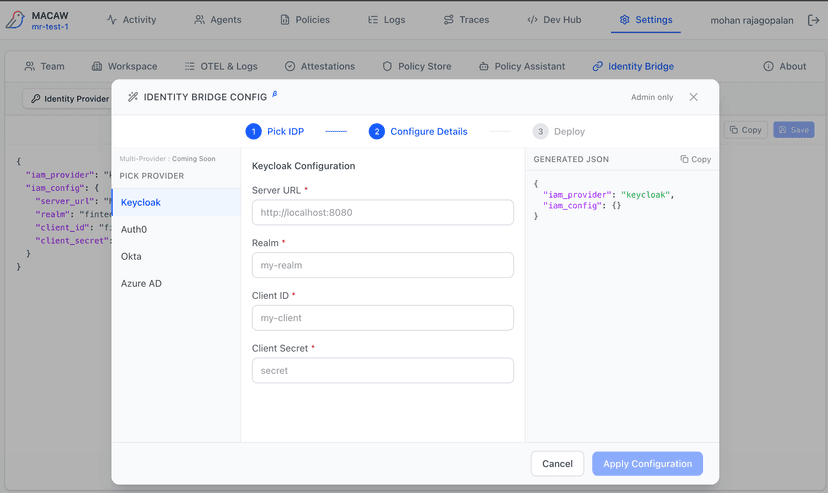
- • Supported: Keycloak, Auth0, Okta, Azure AD
- • Wizard mode or JSON editor
- • Provider-specific fields
Claims Mapper
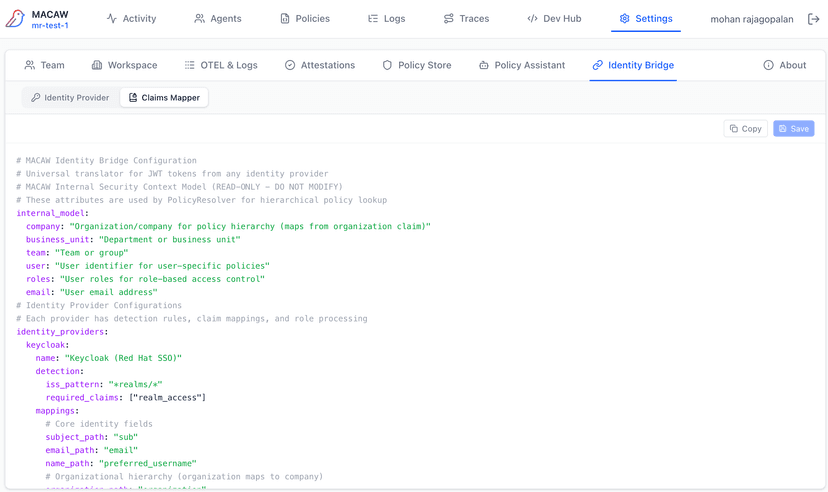
- • Map IDP claims to MACAW attributes
- • YAML configuration format
- • Used for policy principal matching
About
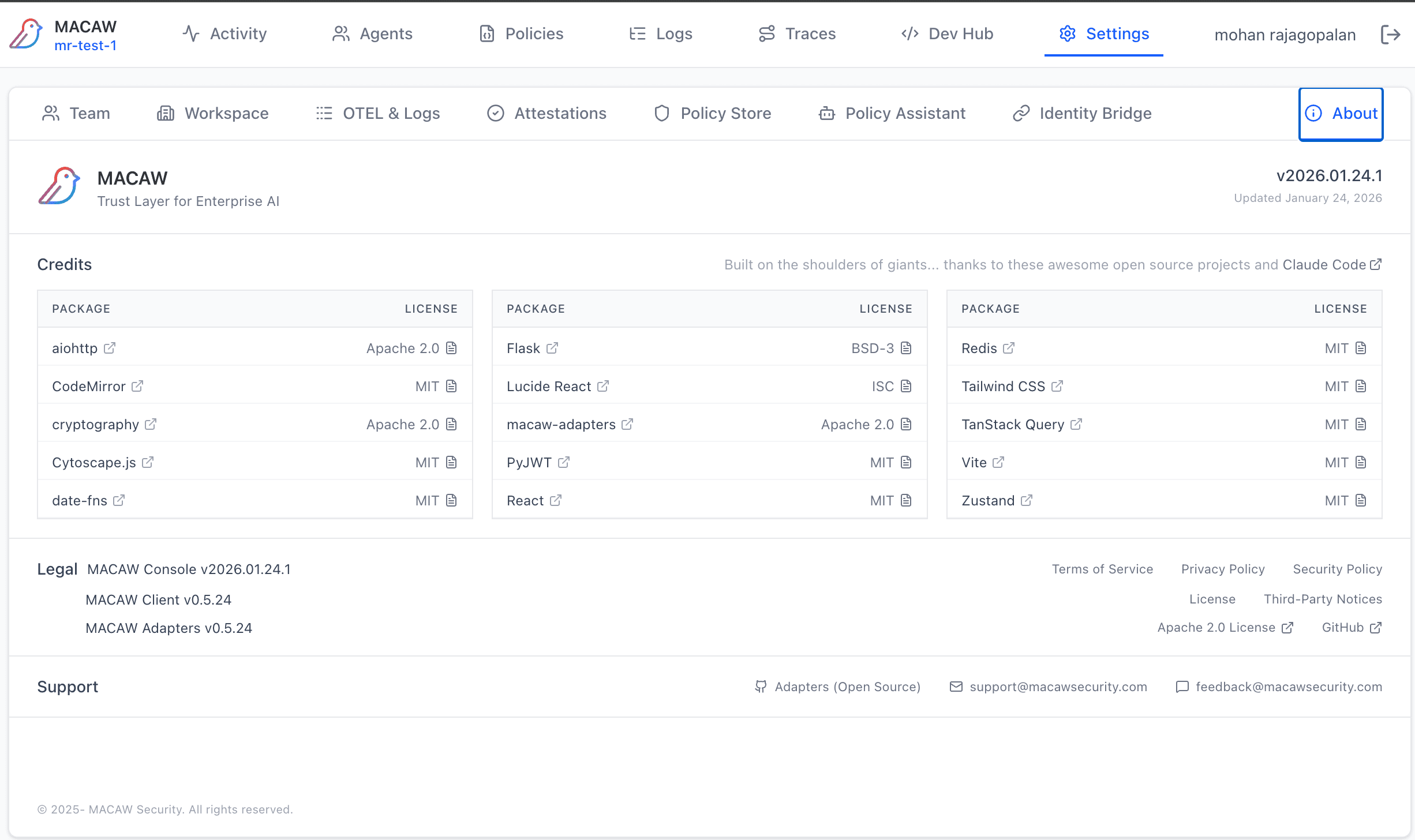
View version information and access documentation and support links.